Email Verified!

Your email has been successfully verified. You can now log in to your ExpenTrace account and start tracking your expenses.

Verification Failed

The verification link is invalid or has expired. Please try again or contact support.

Why We Built ExpenTrace?

We built ExpenTrace because we couldn’t find an expense tracker that was fast, simple, and designed for everyday use. Many apps felt cluttered with ads, expensive subscriptions, or unnecessary complexity.

So we built one we’d actually enjoy using ourselves. ❤️

Today, we still rely on ExpenTrace to track our daily expenses, manage budgets, and achieve our financial goals. Every feature is added because it solves a real need not just to make the feature list longer.
3k+

Active Users

4.8★

App Rating

50+

Countries

100%

Secure

Everything You Need to Manage Your Finances

Comprehensive tools designed to give you complete visibility and control over your financial life.

Expense Tracking

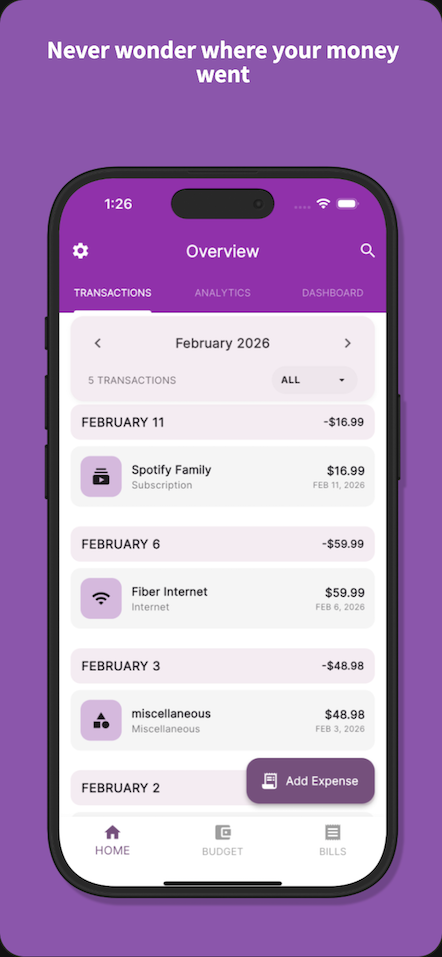
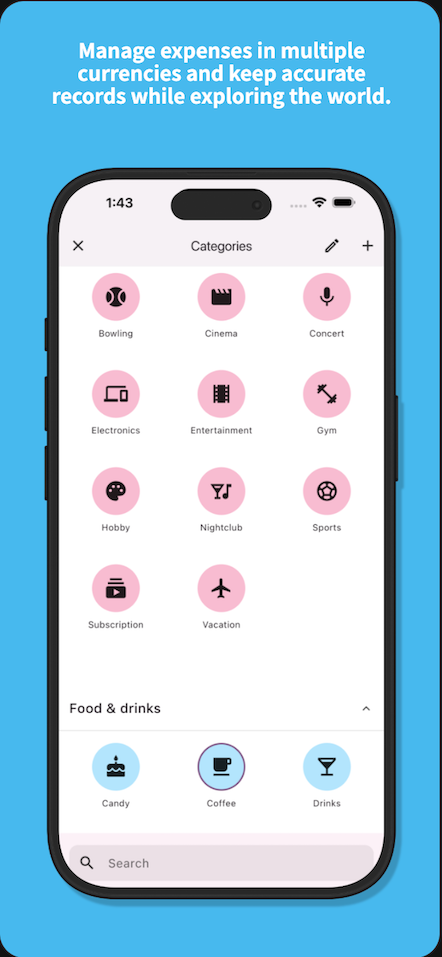
Log and categorize expenses instantly. Support for multiple currencies with automatic conversion to your home currency.

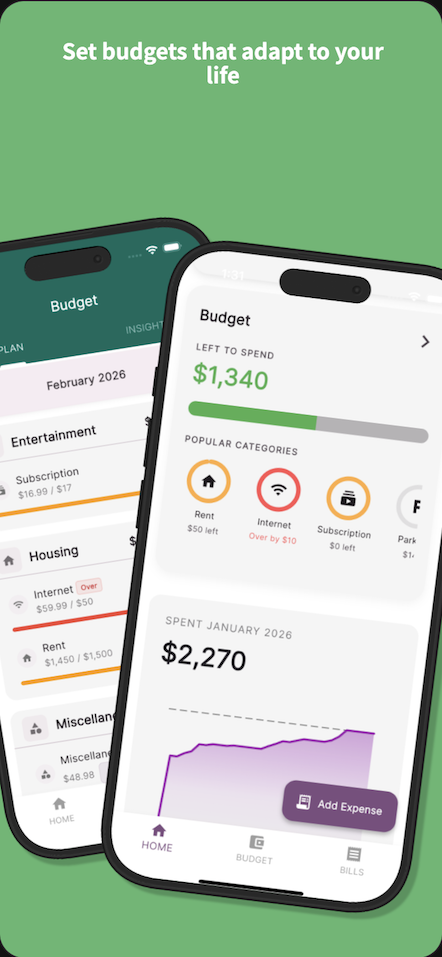
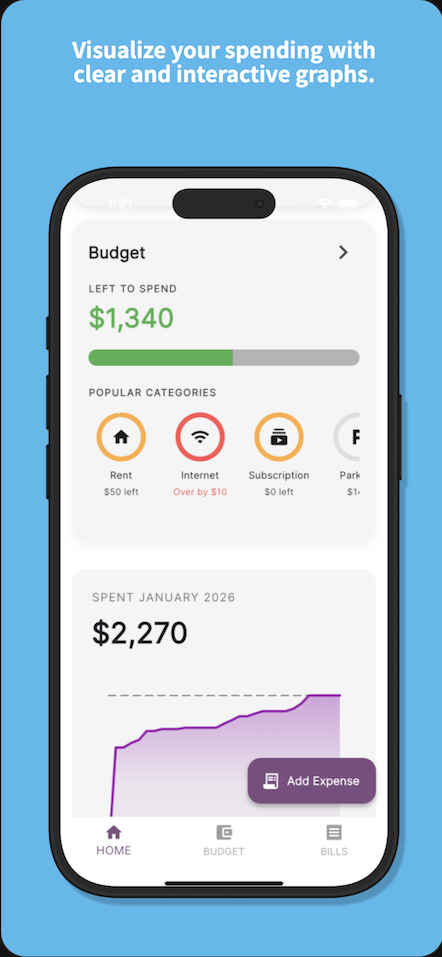
Budget Management

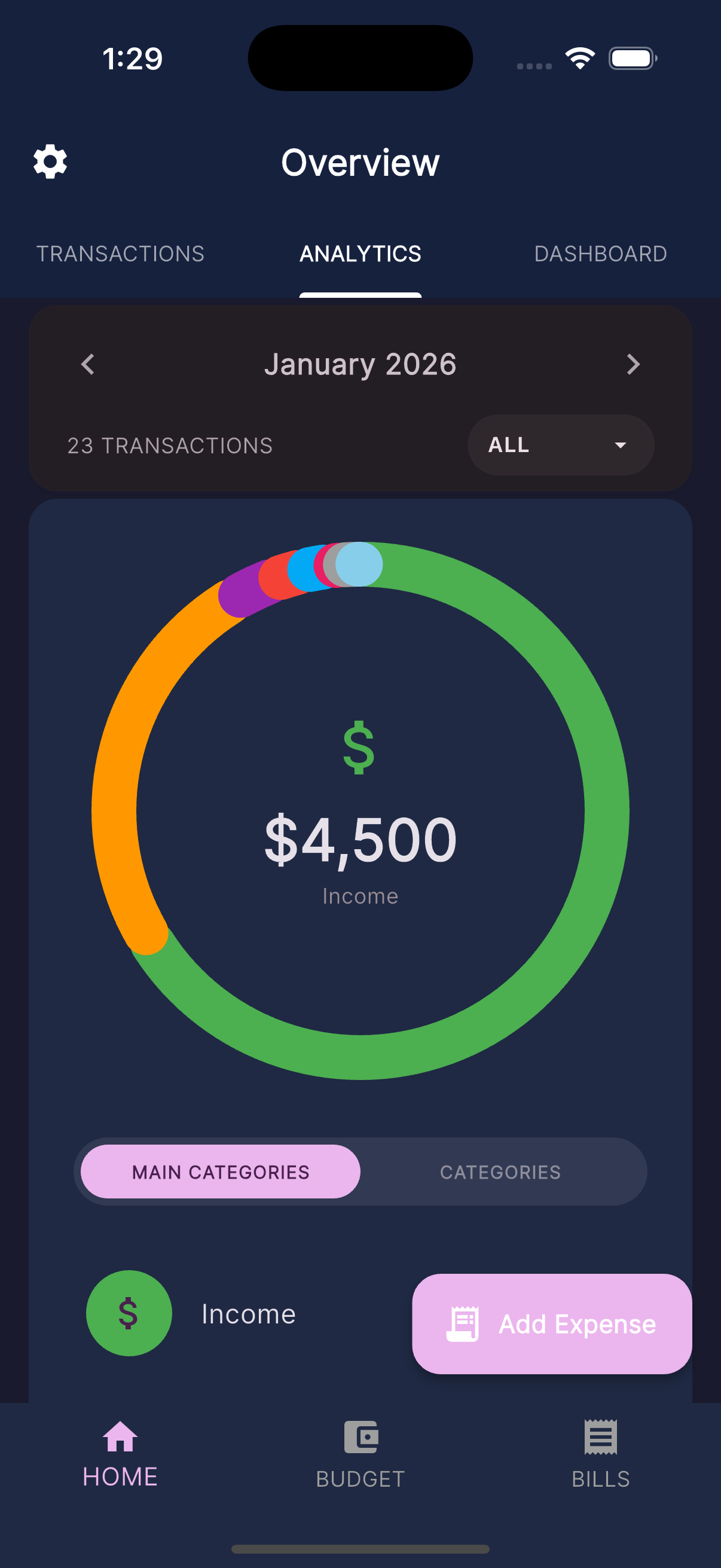
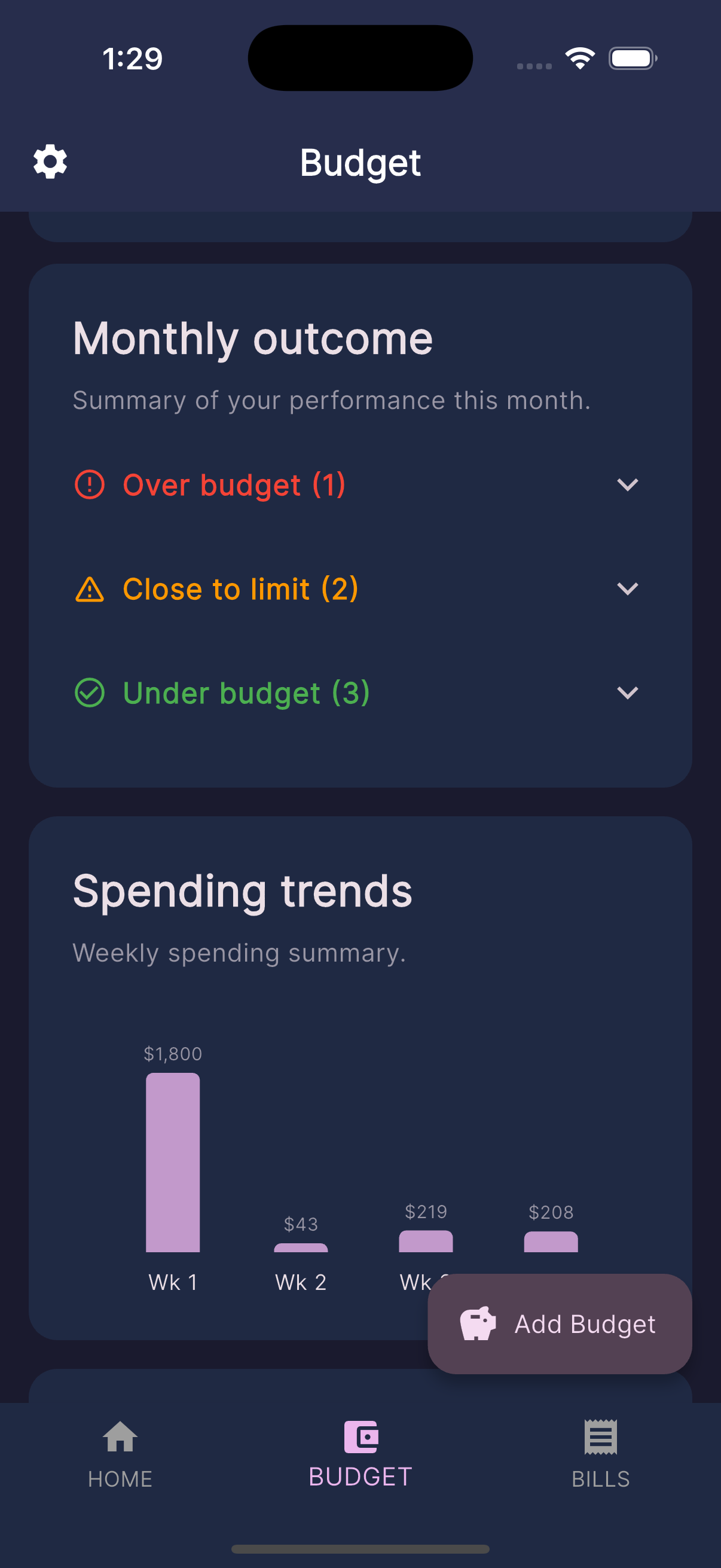
Set monthly spending limits for categories. Visual dashboards show exactly where your money goes.

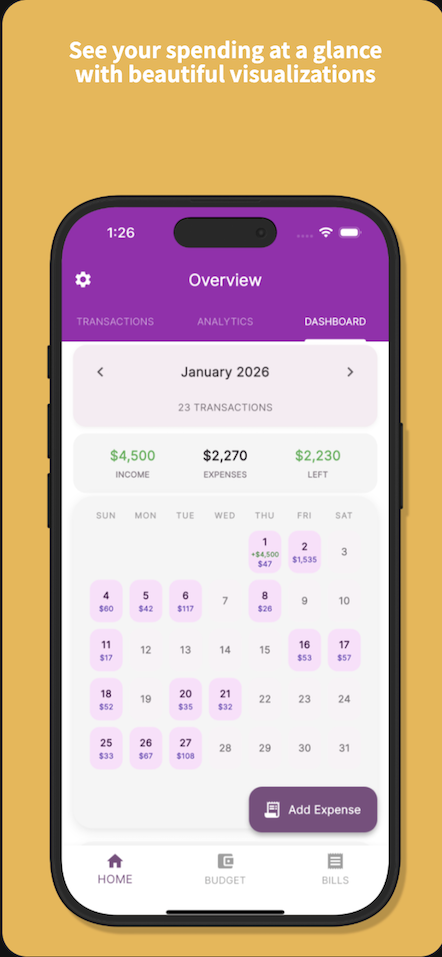
Financial Insights

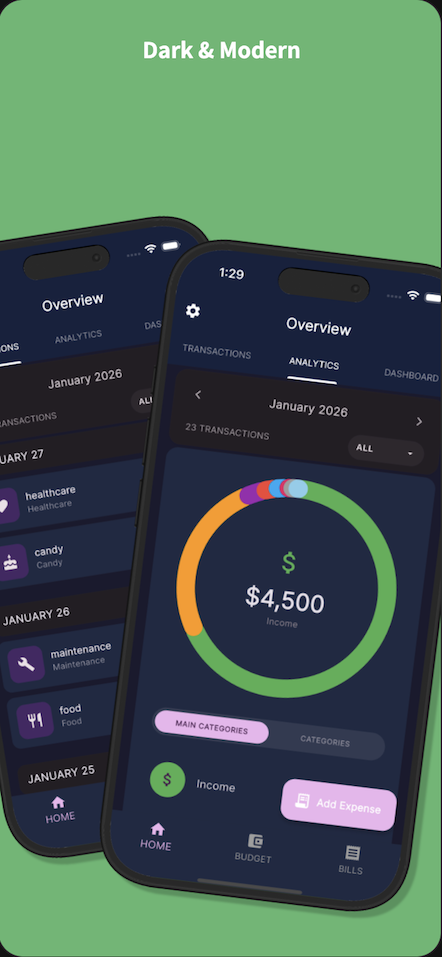
Understand spending patterns with detailed analytics. Track income vs expenses to stay on target.

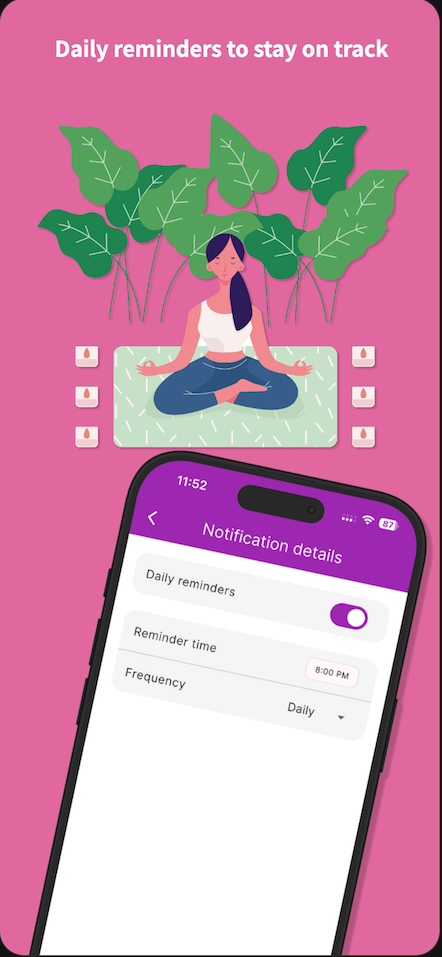
Daily Reminders

Never forget to log transactions with customizable daily notifications at your preferred time.

Recurring Transactions

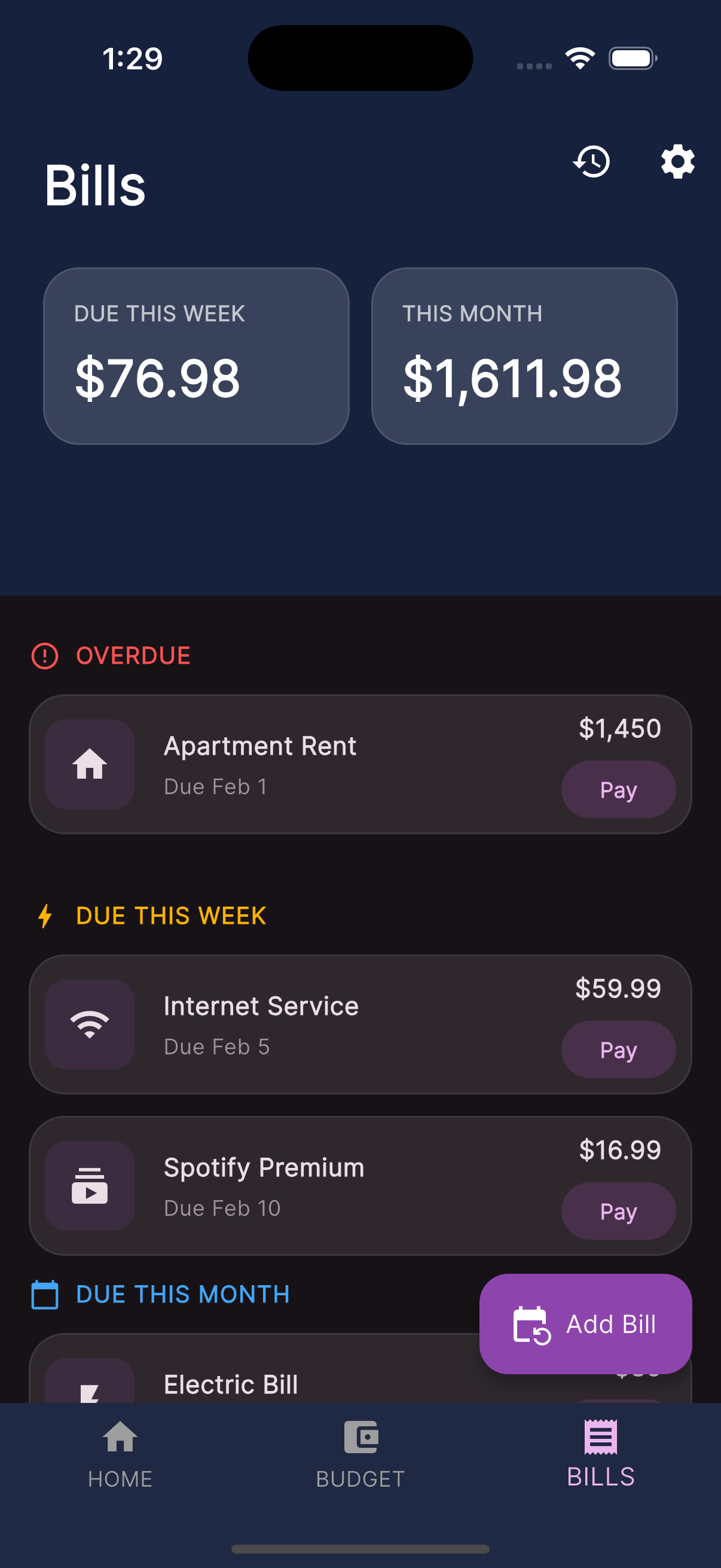
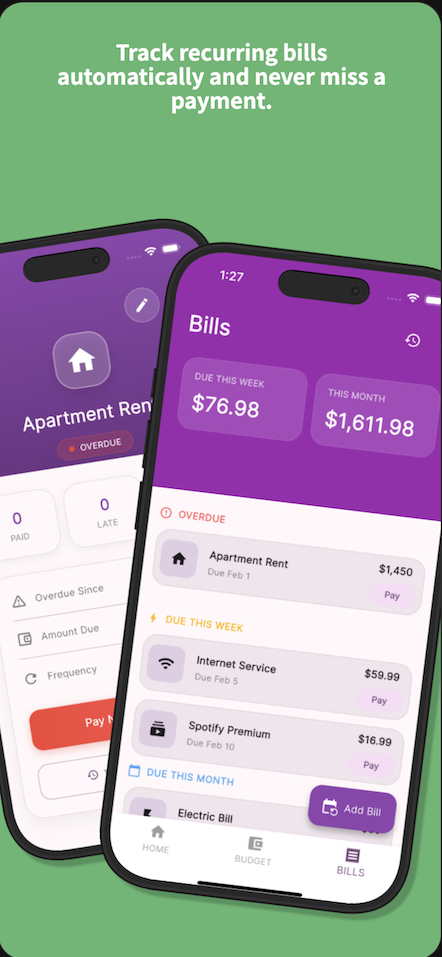
Set up automatic tracking for subscriptions, bills, and regular income sources.

Multi-Currency

Track expenses in different currencies with real-time exchange rates for unified reporting.

Track Expenses Without Lifting a Finger

Five new ways to get a purchase into ExpenTrace — pick whichever fits the moment.

Apple Pay

Apple Pay tapauto-tracked

Pay with Apple Pay and ExpenTrace can pick up the purchase automatically — no re-entry, no receipt needed.

  • Merchant and amount captured from the tap
  • Shows up in your feed within moments
  • Edit the category later if you want — no rush
Double-tapping the back of an iPhone to open ExpenTrace's quick log sheet
iPhone gesture

Back Tapquick log

Double-tap the back of your iPhone to open a fast log sheet — amount and category in seconds.

  • Works from any screen, even locked
  • Sheet pre-fills your common categories
  • Save and get back to your day
Receipts

Scan or upload receiptfilled for you

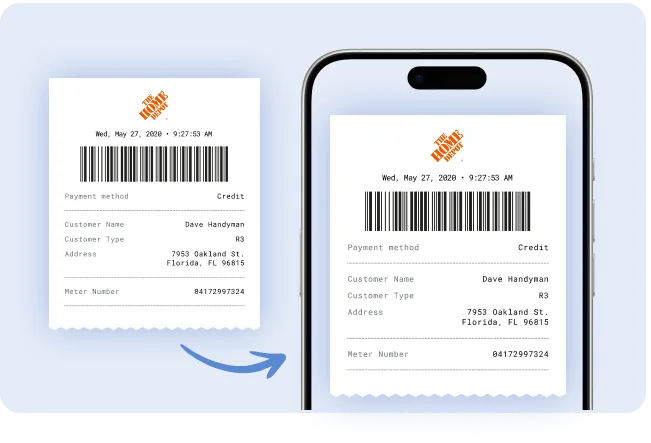
Snap a photo or pick one from your camera roll — merchant, amount, date, and category fill in automatically.

  • Works with paper receipts or saved photos
  • No manual typing, ever
  • Review and save in one tap
A paper receipt from The Home Depot being turned into a saved receipt on an iPhone
How did I do this month?
Top spend: Dining Out
$482 · 21%
Cap it at $350 to save ~$132.
AI Assistant

Chat with AIknow where it went

Ask a plain question about your month and get a straight answer, pulled from your real transactions.

  • Finds your top spending category automatically
  • Compares this month to last
  • Suggests one concrete way to save

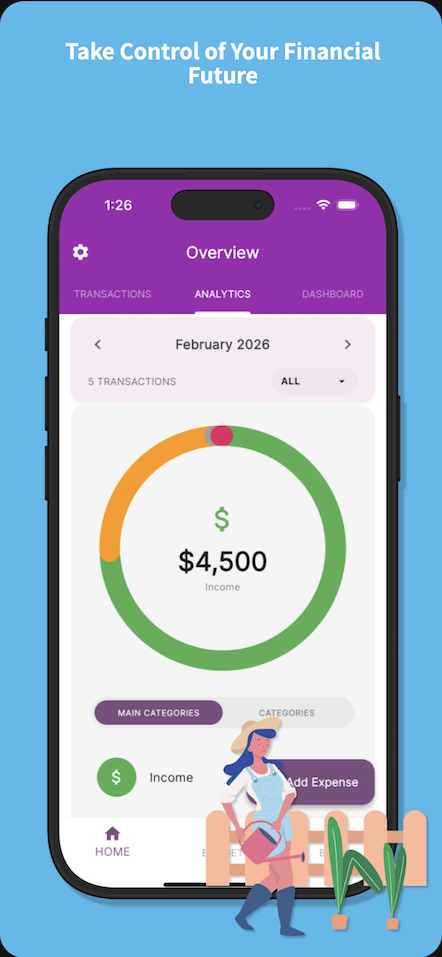
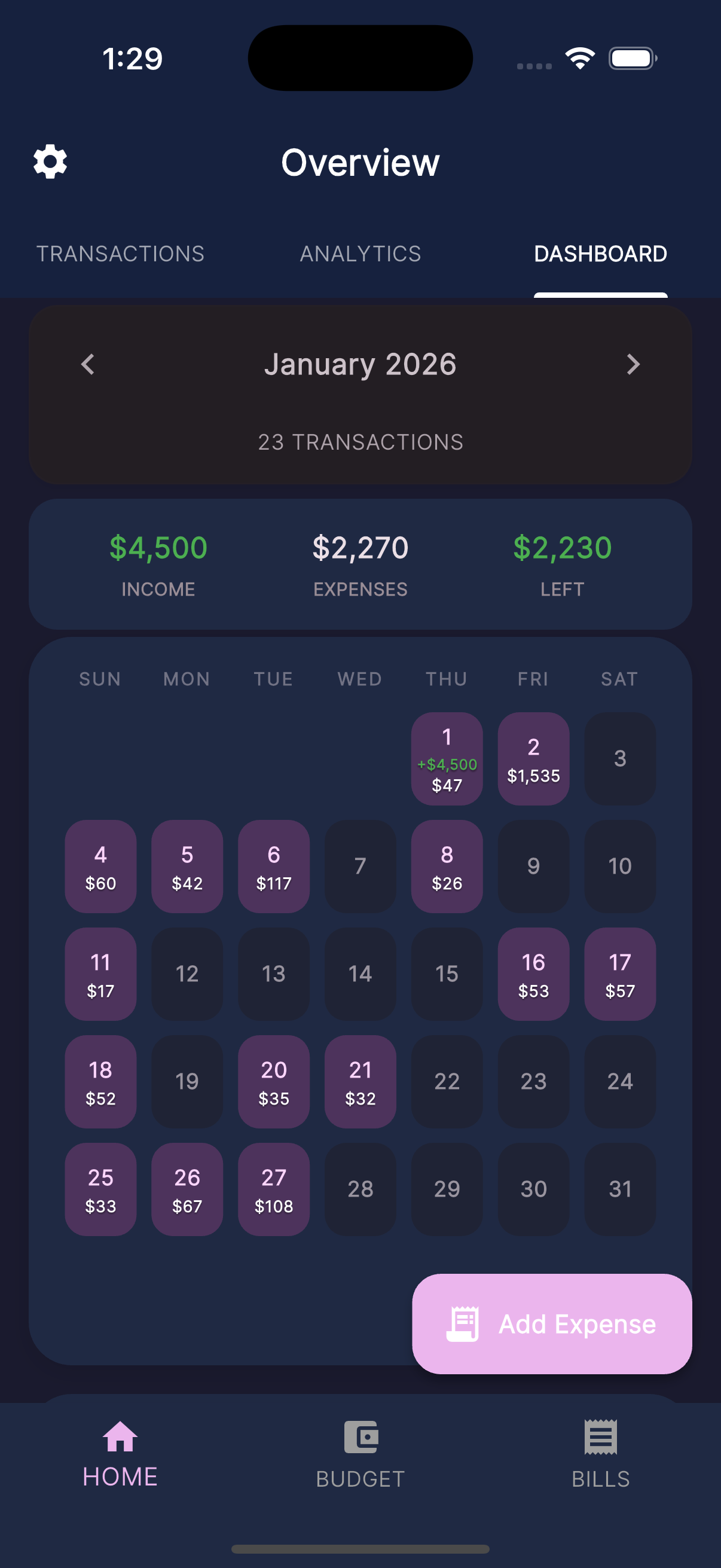
Clean, Professional Design

Intuitive interface that makes financial management effortless.

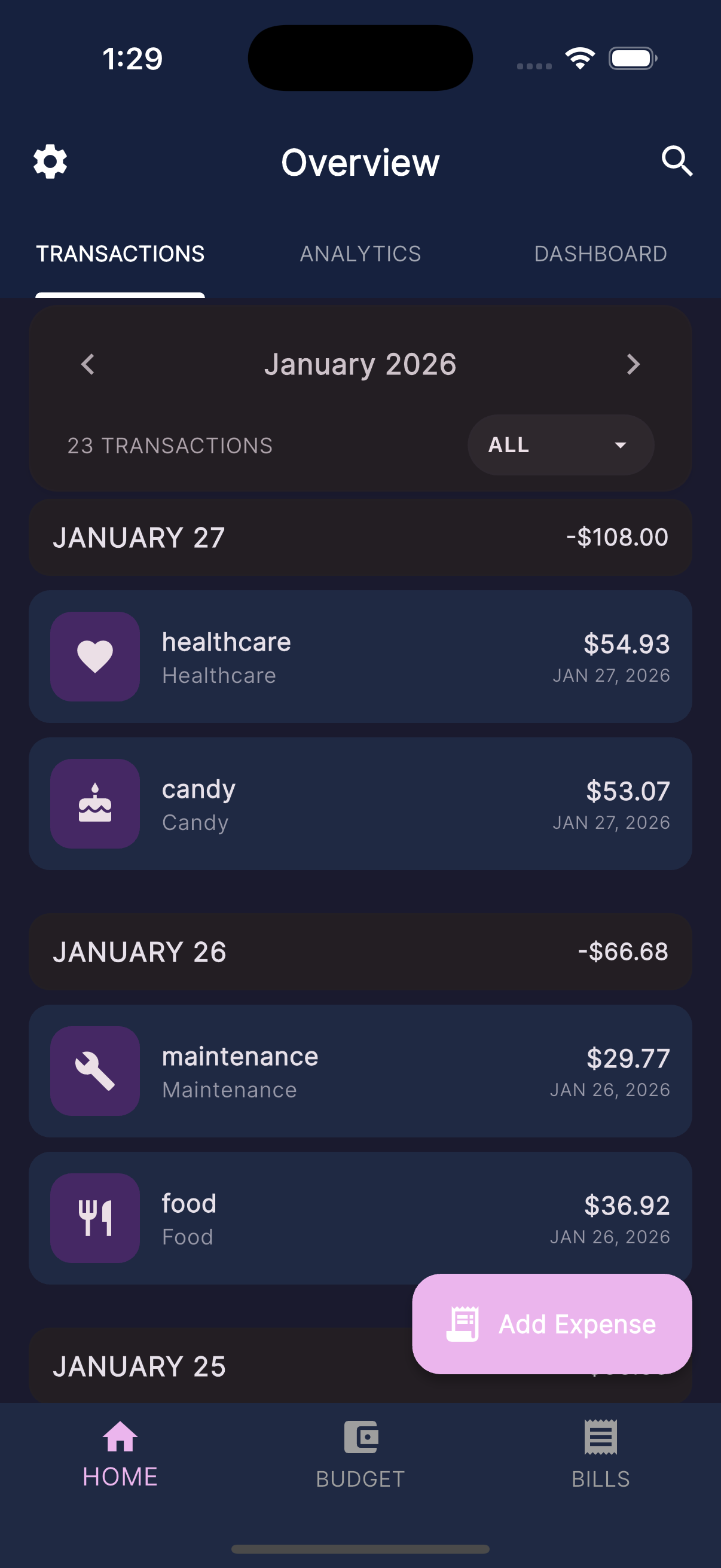
ExpenTrace Screenshot 1
ExpenTrace Screenshot 2
ExpenTrace Screenshot 3
ExpenTrace Screenshot 4
ExpenTrace Screenshot 5
ExpenTrace Screenshot 6
ExpenTrace Screenshot 7
ExpenTrace Screenshot 8
ExpenTrace Screenshot 9
ExpenTrace Screenshot 10

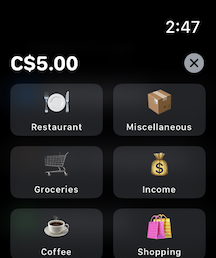
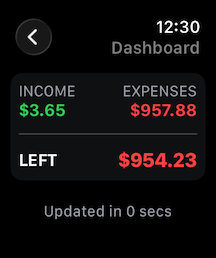
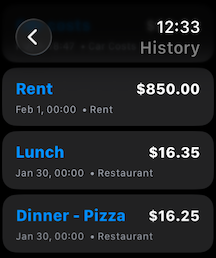
Experience on Apple Watch

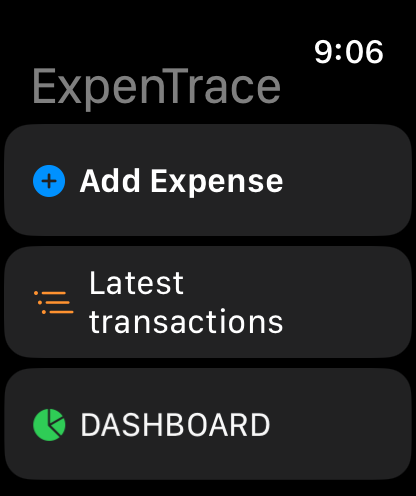
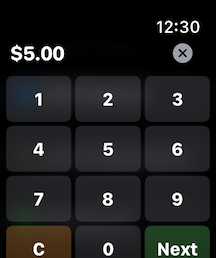
Quickly add expenses, check your budget, and view daily insights right from your wrist. Designed for efficiency and speed.

Watch Home
Watch Add Expense
Watch Categories
Watch Stats
Watch Quick Actions

Available on All Your Devices

Download ExpenTrace on iOS, Android, or access via web browser

Prefer to use on desktop? Launch Web App →